Why is it useful?
With the Evenium OnSite app, you can secure access to your events and track arrivals in real time. You can accurately monitor who is present, even with multiple simultaneous entry points. All data is synchronized and centralized, providing a reliable overall summary at the end of the event.
How does it work?
From a phone:
Download the app from the Apple Store or Google Play.

Check compatibility: minimum iOS 15.6 or Android 8.
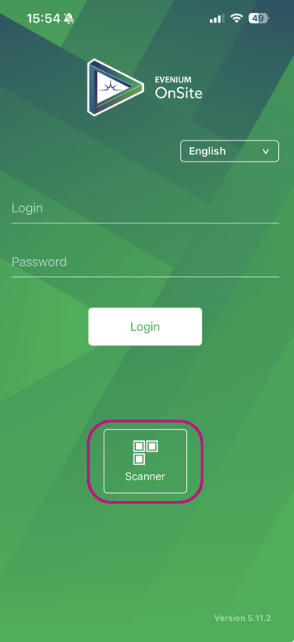
Open the app, then click on “Scan”.
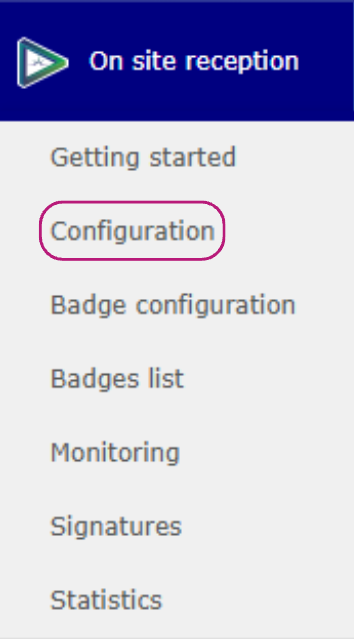
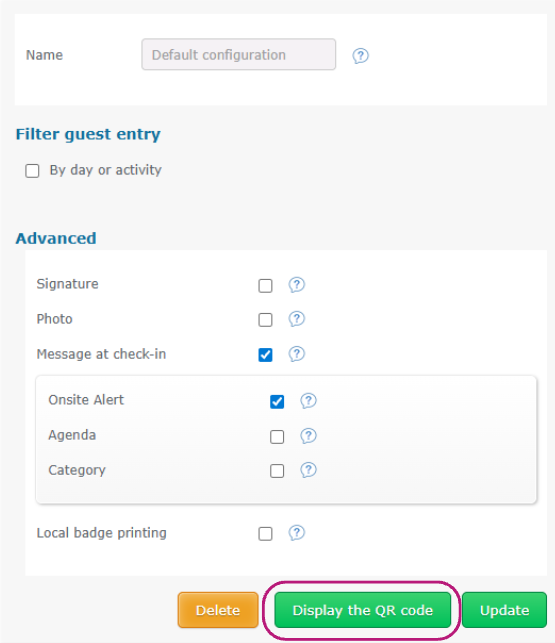
The QR code to scan is available in the back office: On-site Reception > Configuration > Display the QR code.
From a computer:
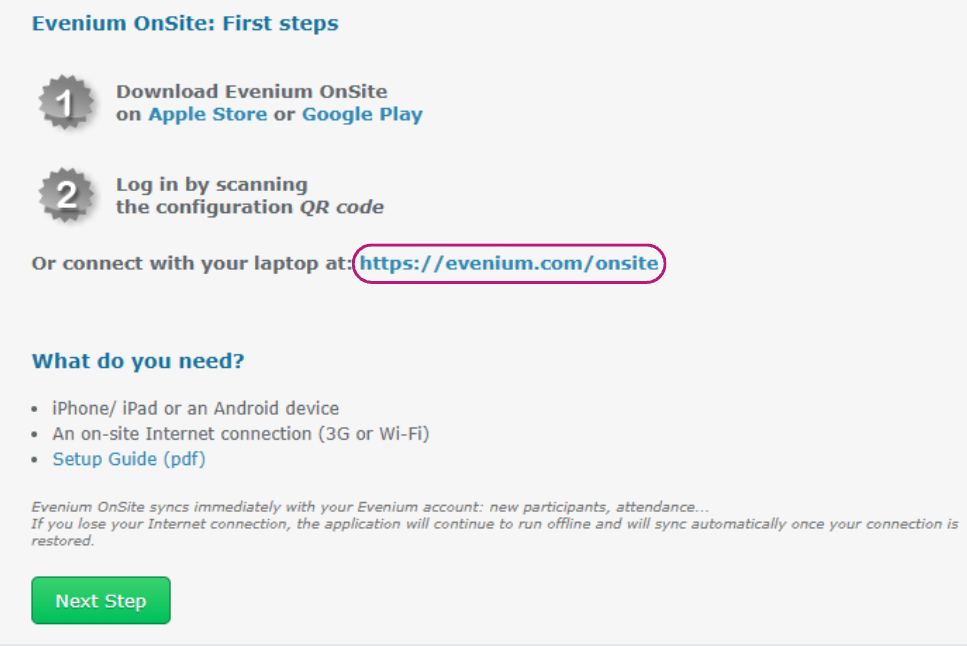
Go to On Site reception > Getting started.
Click on the link to the web version of OnSite or copy it into your browser.
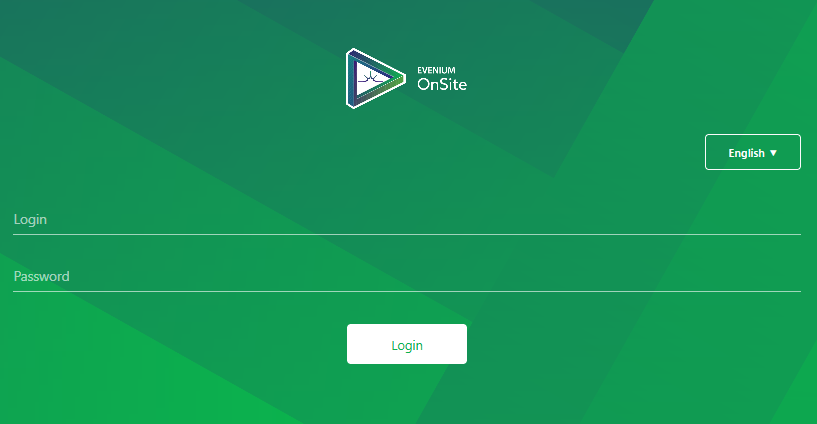
Log in with your credentials (the same as the back office):
If you are using the Facility platform, contact: support@evenium.com / +33 1 47 70 90 35
If you are using Evenium.net, log in with your usual email and password.
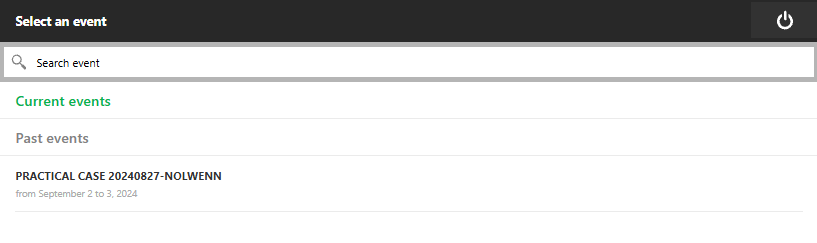
Once logged in, you will see the list of your events. Simply select the relevant one to start attendance tracking.