Why is it useful?
Downloading the participants' QR codes allows you to easily create personalized badges.
By downloading QR codes as image files, you can integrate them into your own badge templates, adapting the format, design, and dimensions to your specific needs whether for pre-printing.
How does it work?
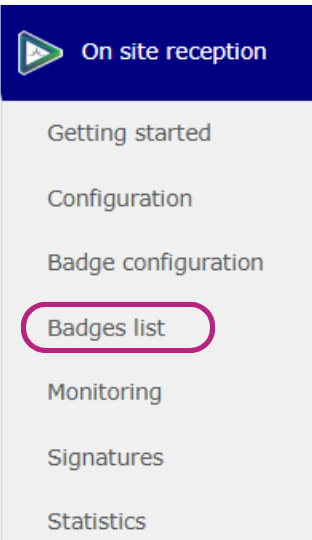
Go to On site Reception.
Open the Badges list tab.
Select one or more participants.
Click Download QR codes.

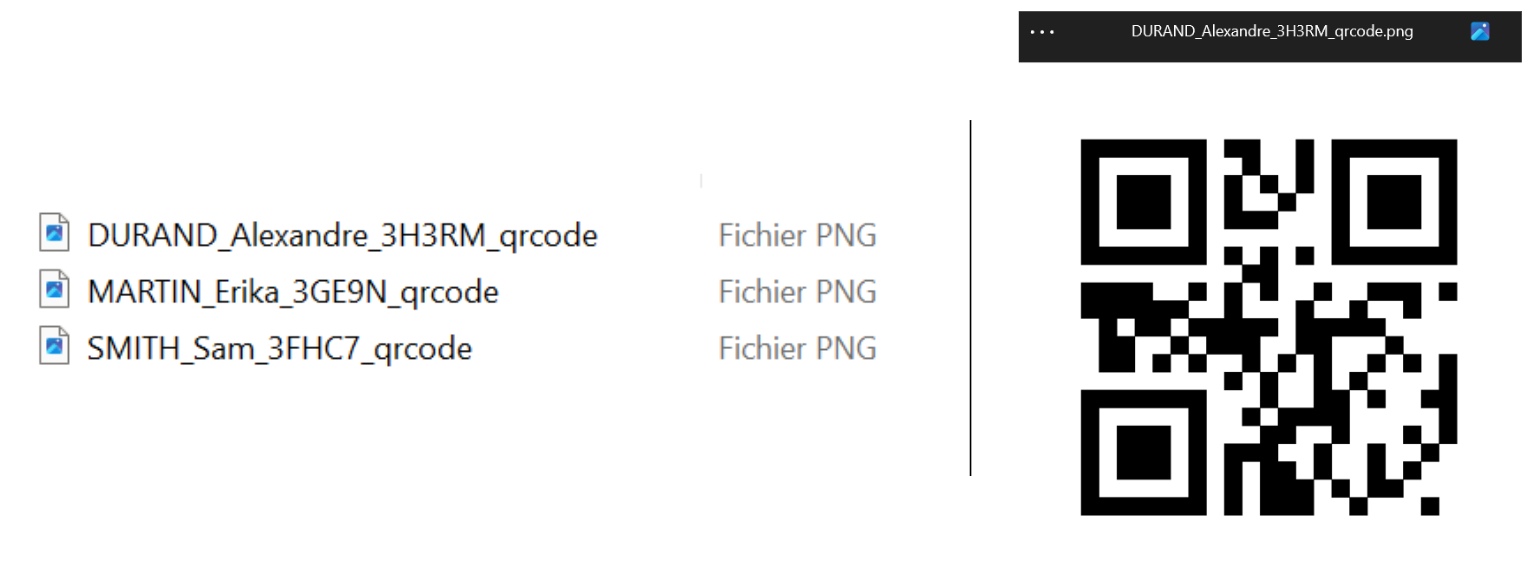
A ZIP file will then be downloaded to your computer.
This file contains all participant QR codes as image files, each named with the participant’s first and last name, making them easy to identify and use.