
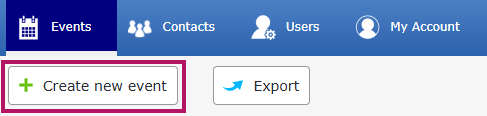
On your Events tab, click on Create new event:
Then click on Duplicate an event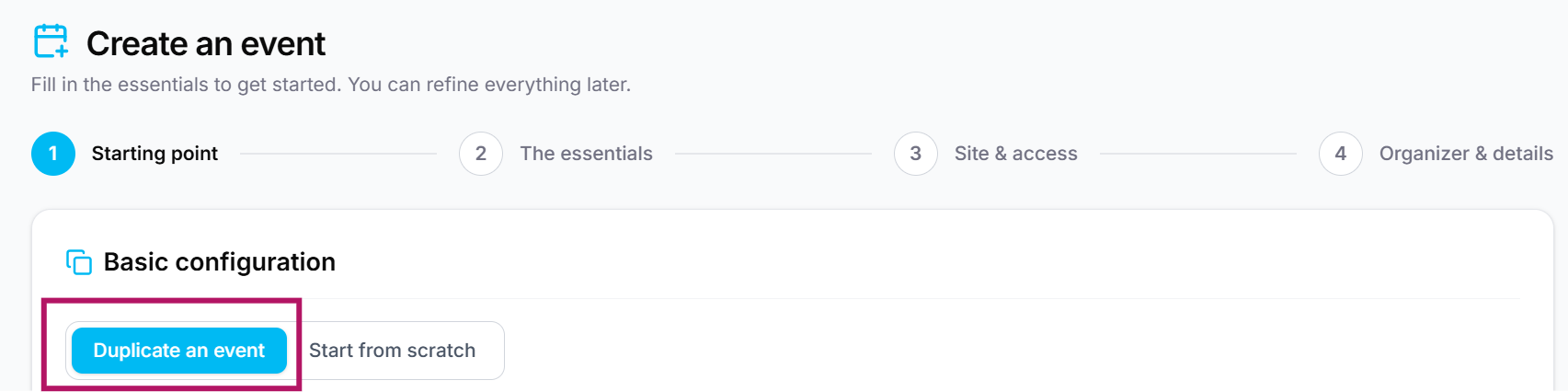
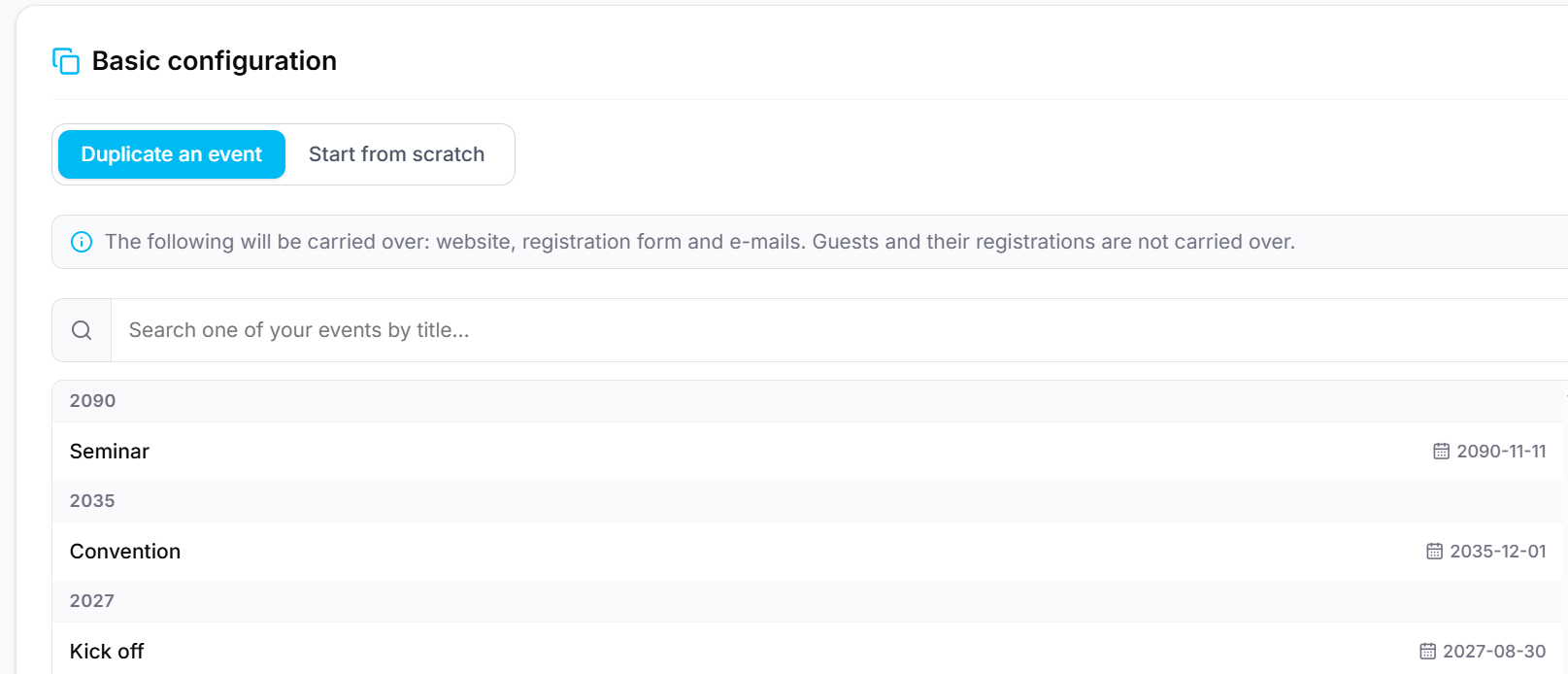
Then select the event you want to duplicate. They are sorted in chronological order:
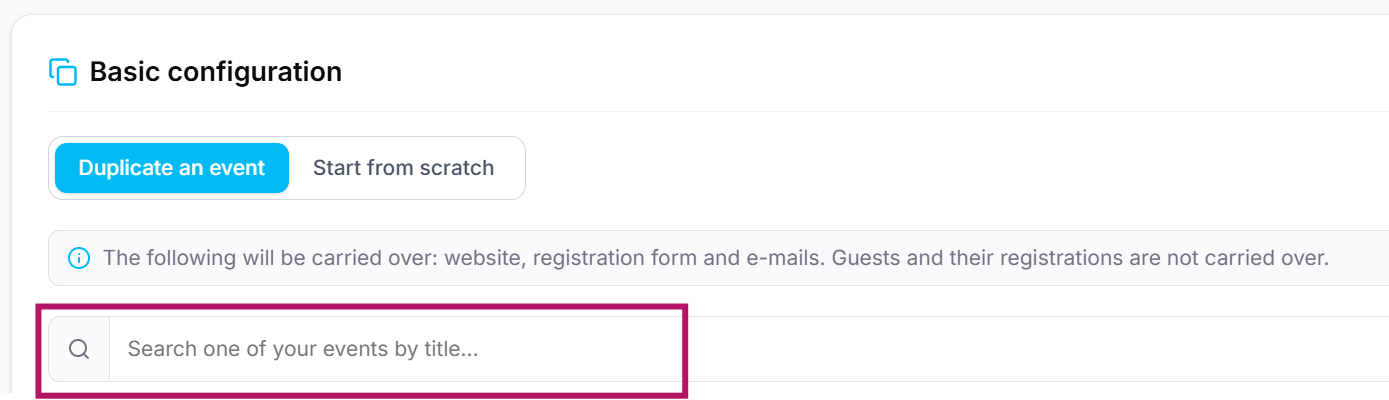
If you can’t find your event, use the search function:
As a reminder, the following elements are duplicated: the event website, registration form, and emails. Guests and their registrations are not duplicated.
Then follow the event creation steps. For more information, click here.
If you are unable to create an event, please contact Evenium support (+33 1 47 70 90 35 / support@evenium.us).