Why is this useful?
Adding a language to your registration form allows you to translate your questions, so that participants receive the form in their preferred language.
How does it work?
- Go to the Configuration tab > Edit Registration Form.
- Click the Language button located at the top left of the form.

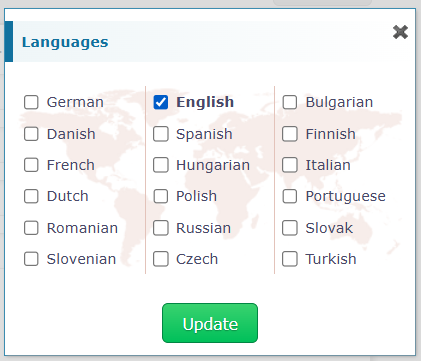
- A window will open, allowing you to select the language(s) you want to add.