Event Title
This module inserts a text block dedicated to the event name.
To edit the event name, go to Configuration > General Info.
To add it, follow these steps:
Click the (+) button between the different cell blocks
In the Component option of the Insert block, click on the Event title logo
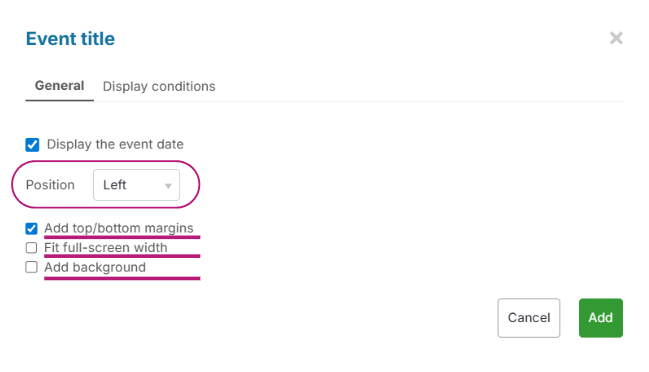
Choose whether you want to add the event date
Select the position within the cell
Choose whether you want to add margins to the top and bottom, have it fit the full-screen width, or add a background
Click on Add