
To modify the details of your event, go to Configuration > General Settings.
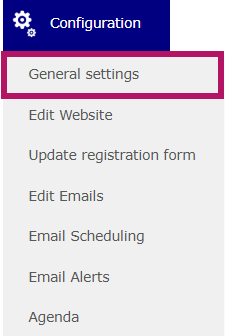
Then, go to the General tab.

Then change the name of the event:
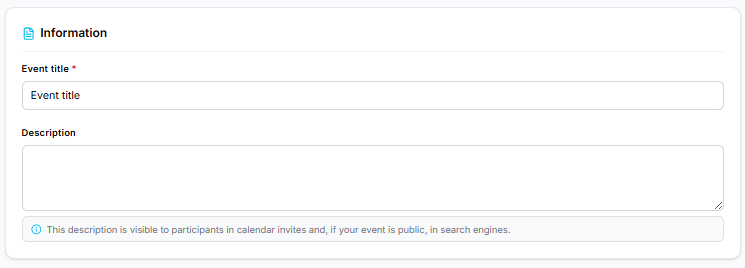
The event title appears in both the back office and the front office.
It is automatically used across the website and in emails.
The description is public: it appears in calendar invites and in search engines, if your website is public.
To change the dates of the event, go to the Location & dates tab: 
Then click on the icons next to the date or time to edit it.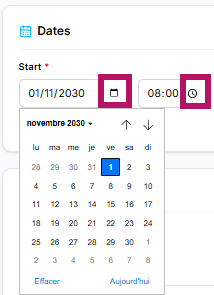
If your event lasts several days, you can specify an end date by checking the box. 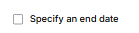
Don't forget to click Save before leaving the page.