
To modify the address or the timezone of your event, go to Configuration > General Settings.
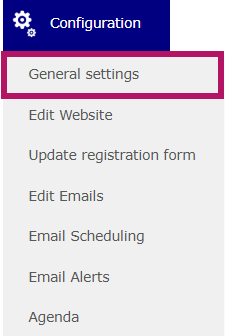
Then go to the Location & dates tab:

- If your event is on-site : fill in the address:
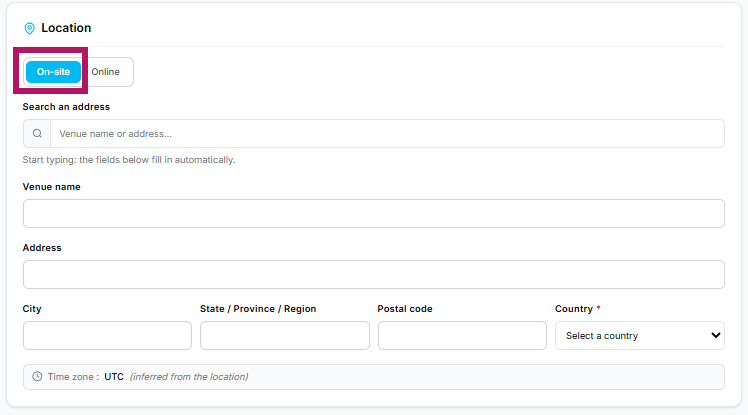
The time zone of your event automatically adjusts to the address entered.
- If your event is online
It is essential to set your event's time zone. The information entered—especially in the calendar file—will then update automatically based on this time zone.
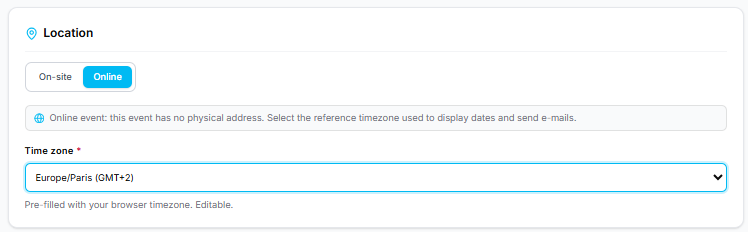
Don't forget to click Save before leaving the page.