
Go to Settings > General Settings.
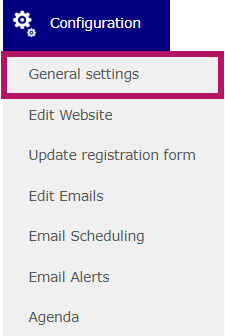
Then, go to the Languages tab.

Finally, select the language or languages used on the website, form, and emails.
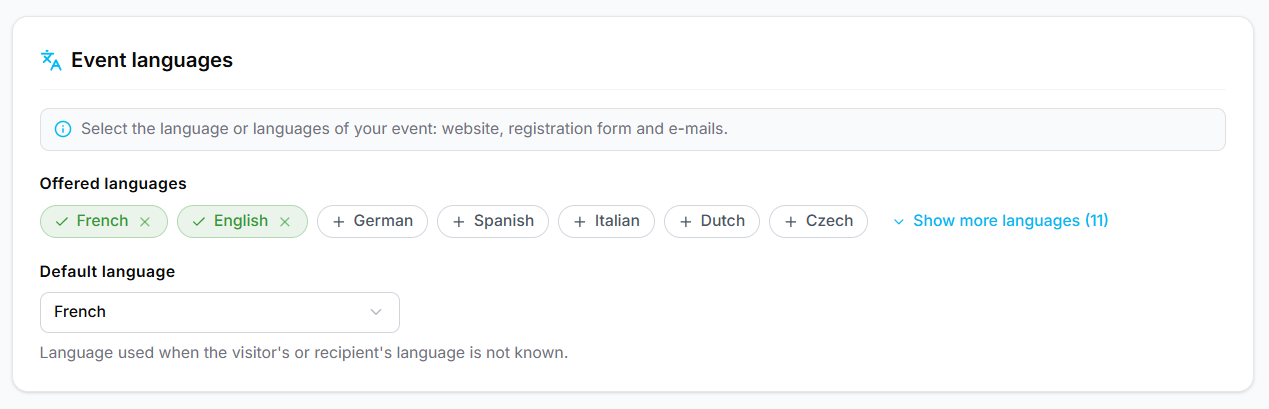
Here is the list of available languages:
| French | German | Czech | Danish | Russian |
| English | Hungarian | Slovak | Polish | Turkish |
| Spanish | Dutch | Finnish | Turkish | |
| Italian | Portuguese | Romanian | Turkish |
This is also where you will set the default language for the website. Simply edit the "Default Language" drop-down menu.
Make sure to save the page before leaving.