
To make your website, go to Configuration > General Settings.
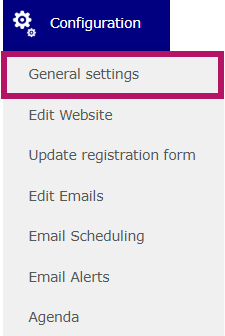
Then, go to the Website tab.

Activate the website by switching on the green toggle to make it public.

You can then define your URL here:

The system will automatically check whether the URL is available.
Once the URL has been created, the corresponding sender email address will be automatically generated:

⚠️ Please note: The same URL and sender email address cannot be used for two different websites.
If you need to reuse the same URL as a previously created event for a new event, please contact us.
Make sure to save the page before leaving it.