
Participants' replies to emails are redirected to the event notification email address.
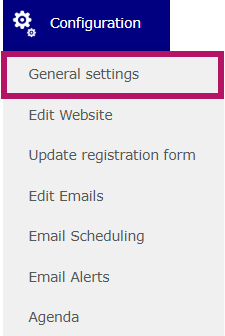
To configure it, go to the Configuration > General Settings.
Then, go to the Organizer tab.

Enter your email address here: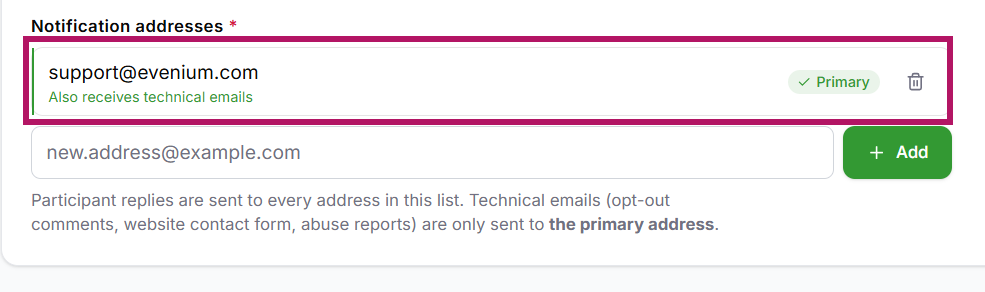
NEW! You can now define multiple notification email addresses by clicking Add.
All the email adresses listed here will receive participants' replies to the emails.
Alert messages (which can be configured under Configuration > Email Alerts) will only be sent to the primary email address.
Make sure to save the page before leaving it.