
Go to Configuration > General Settings.
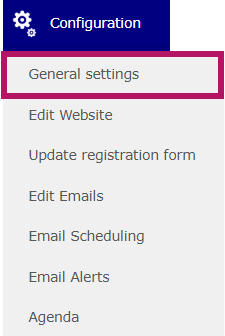
Then, go to the Advanced tab.

Finally, then, enable the toggle.

By creating an event as a template, you create a model event that can be used as the basis for your future events.
When a template is defined, every new event created on the platform will be based on this common template. This allows you to automatically use a predefined configuration and settings, rather than starting from scratch.
⚠️ Please note: Before making this change, make sure you are authorized to do so. The template is shared across the entire platform and can be used and duplicated by all users.
Make sure to save the page before leaving it.