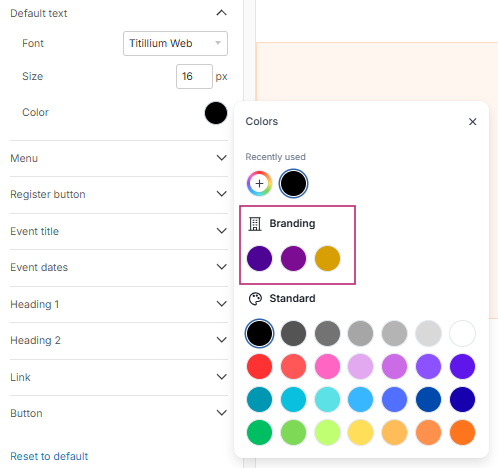
Why is this useful?
The “Brand Colors” feature allows you to save your brand colors in your global account settings, so you can easily find and reuse them across all your events.
Enter them just once and save time when configuring your websites and emails.
How does it work?
Add your brand colors
From the Multi-Event page, go to:
My Account > Brand Colors
Then click “Add” to save a new color.
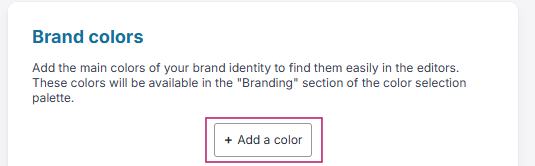
Enter your brand colors
For each color, enter the RGB code corresponding to your brand guidelines.
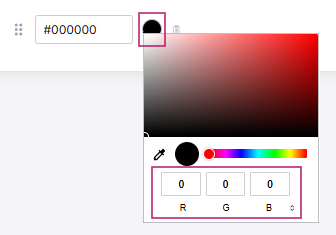
You can save the different colors used by your company in your global account settings.
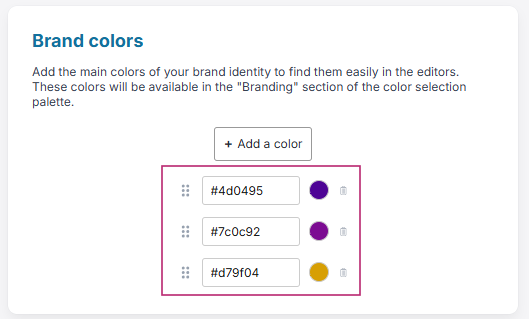
To delete a color, click the trash bin icon next to it.

Find your colors in your events
Once your colors have been saved, you can find them directly in your event configuration, under:
Configuration > Edit Website
Configuration > Edit Emails