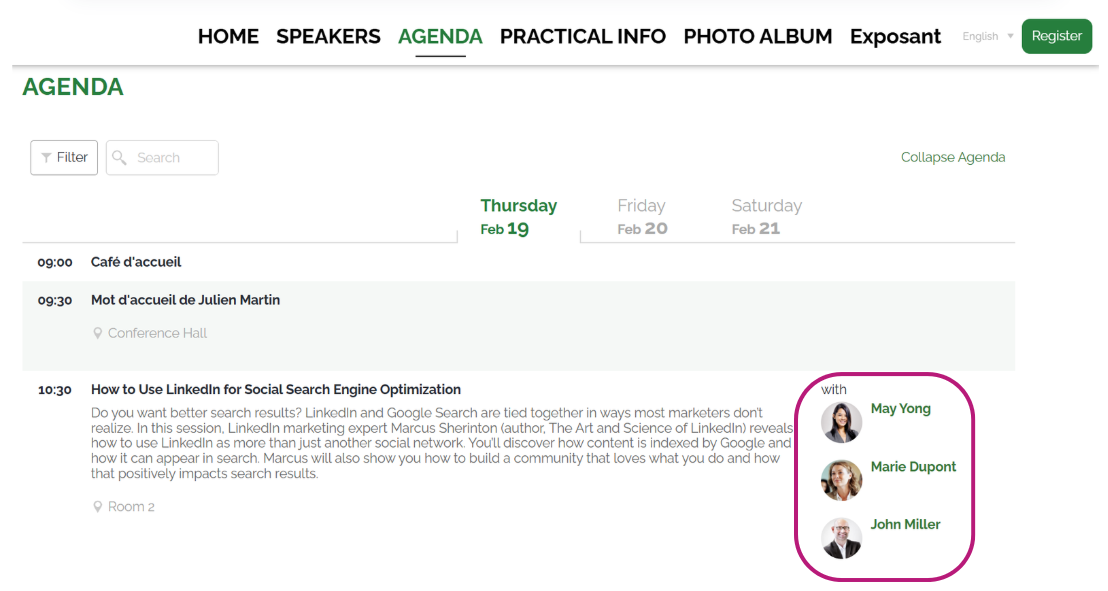
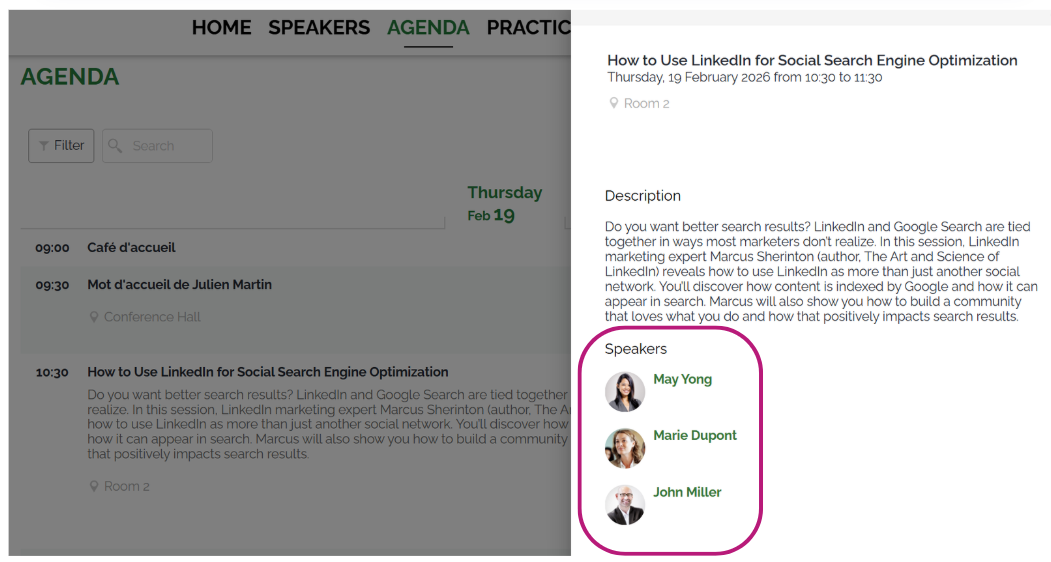
Why is it useful?
By defining the order of speakers in your program, you ensure a coherent organization that aligns with the content of each session, while highlighting key speakers. This ensures a smooth and optimized experience for participants, whether on the ConnexMe app or your website.
How does it work?
Go to the Configuration > Agenda tab.
Once your session is created (see the article How do I add sessions to the Agenda tab), go to the "Speakers" section.
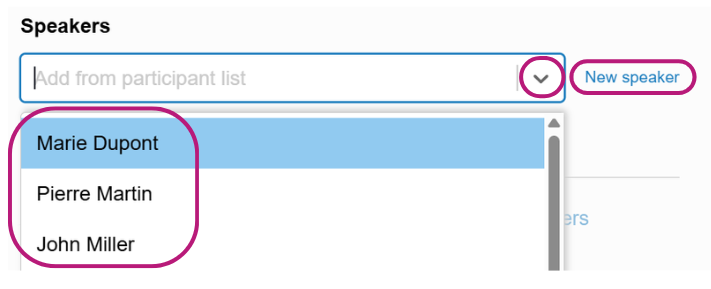
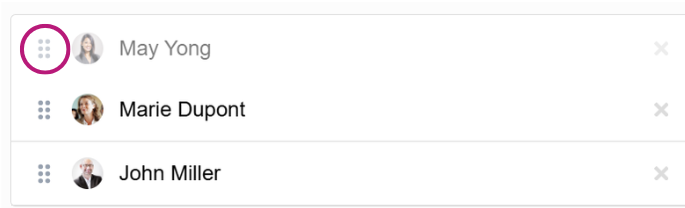
You can choose the order of the speakers in two ways:
Select them from the dropdown list or create a new speaker by clicking on "New Speaker" The order of selection will be automatically saved.
Modify the order by clicking on the icons and using drag and drop to move the speakers into the desired order.
Click Save to confirm your changes.

The order of the speakers will be updated on:
The ConnexMe app

Your website