
Why is it useful?
The personal space is your participant’s roadmap!
It brings together all essential information at a glance: sessions, transport, accommodation, and even the Evenium Onsite badge.
Convenient and flexible, it can also be downloaded as a PDF to be printed and kept handy at any time.
How does it work?
⚠️ Please note: this feature is only available to users who have subscribed to the “Personal Space” module.
To learn more, please contact our customer team:
Email: support@evenium.com
Phone: +33 1 47 70 90 35
Set up
Once the option is activated, a new menu called “My registration” becomes available in your Configuration tab.
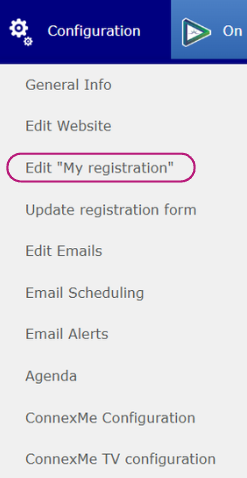
You will be redirected to an editing interface allowing you to customize your event roadmap:
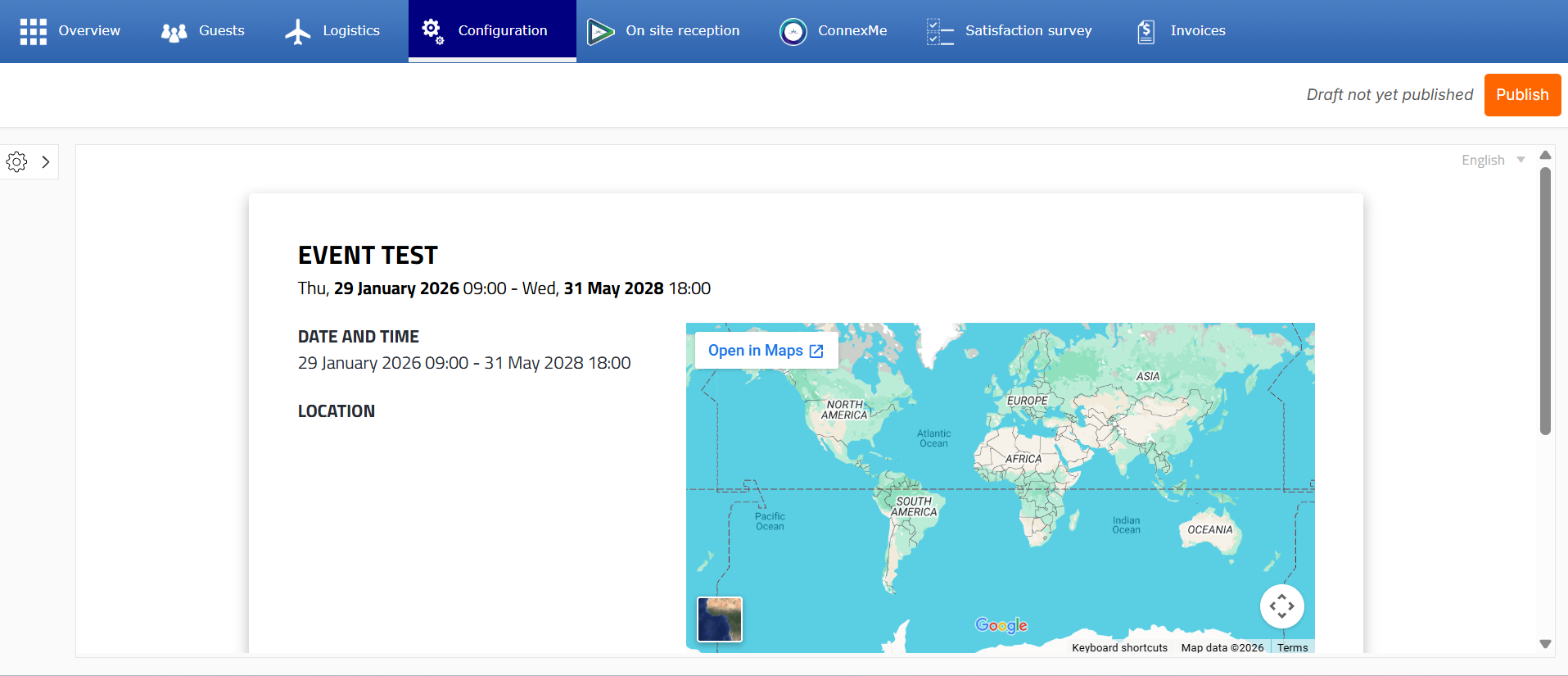
1 - Static content (image and text):
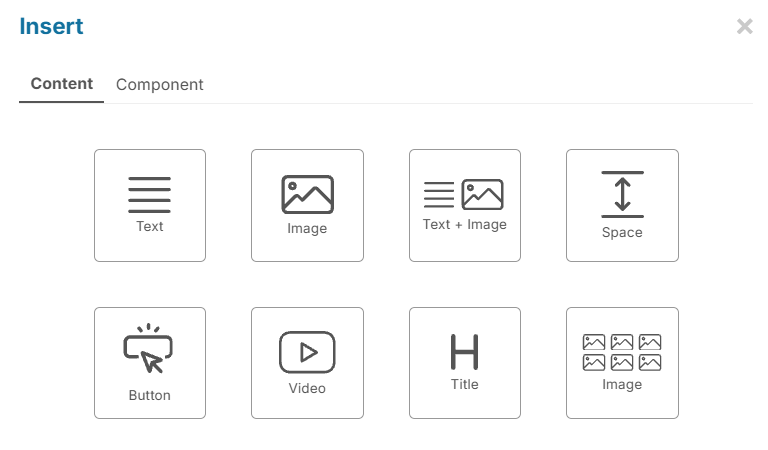
Using the (+) button, you can add content:
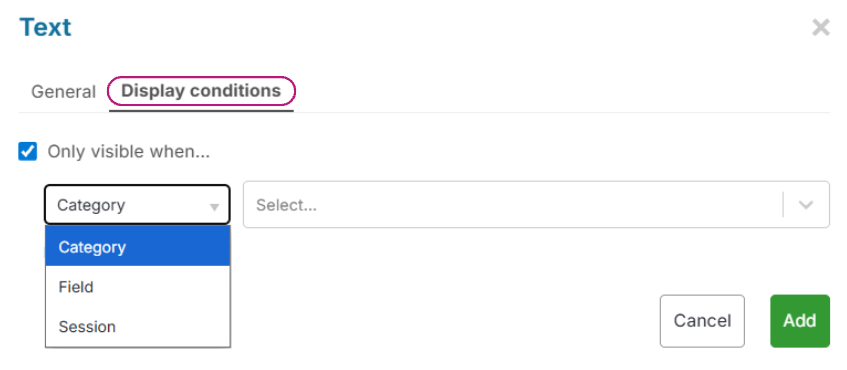
You can choose to display these blocks only for a specific category, based on a form field value or session registration.
An icon appears on the right of the block to indicate that a condition has been set: link to full article

2 - Dynamic content / components
Session registrations:
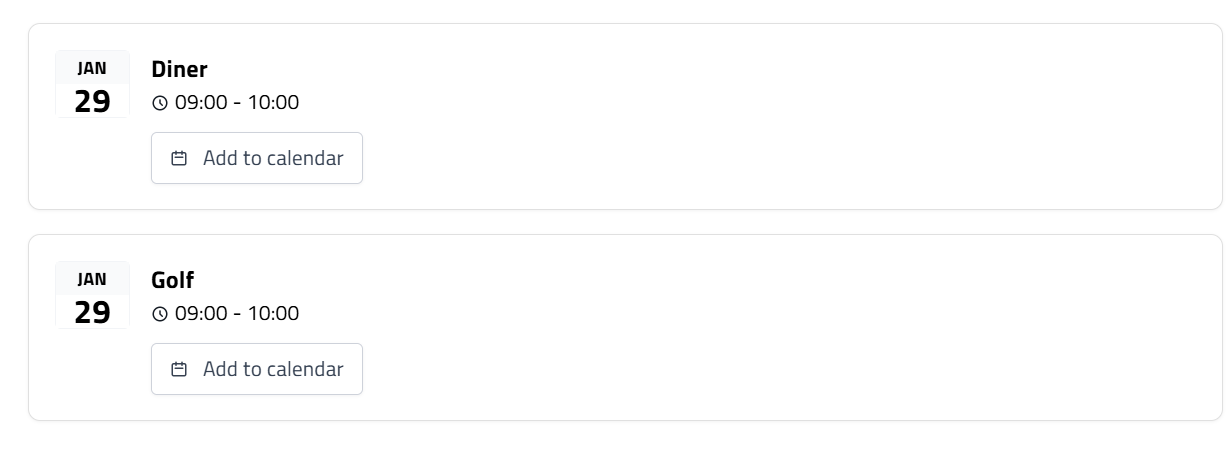
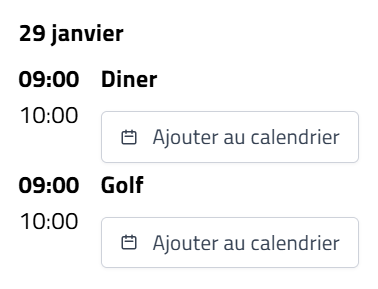
This component allows you to display the participant’s personalized agenda:
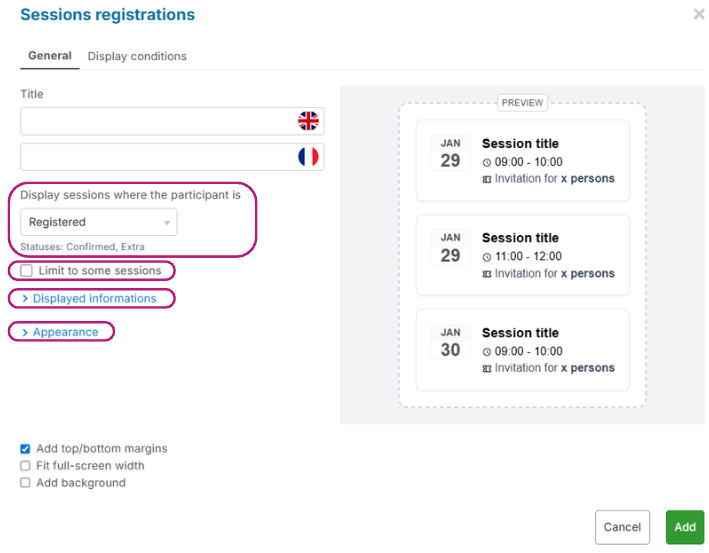
By default, the platform shows the sessions the participant is registered for.
This module is customizable:
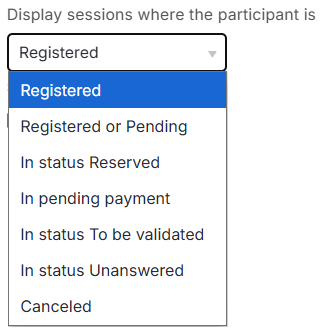
You can choose the participant’s registration status for relevant sessions
You can select which sessions are displayed:
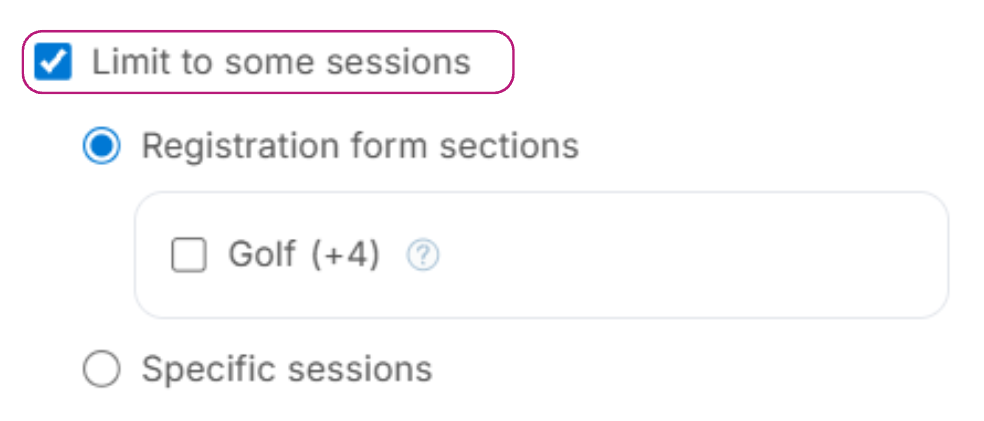
Based on a form section OR by selecting specific sessions (from the full event session list)
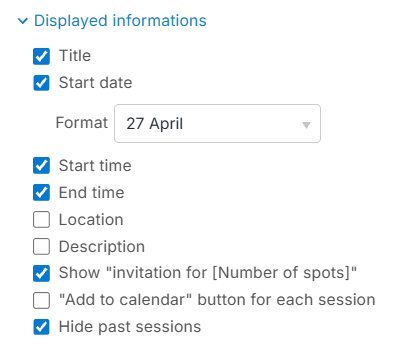
You can choose what is displayed in the component
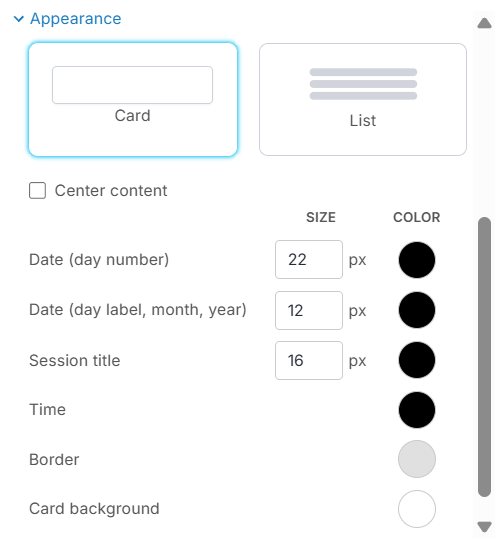
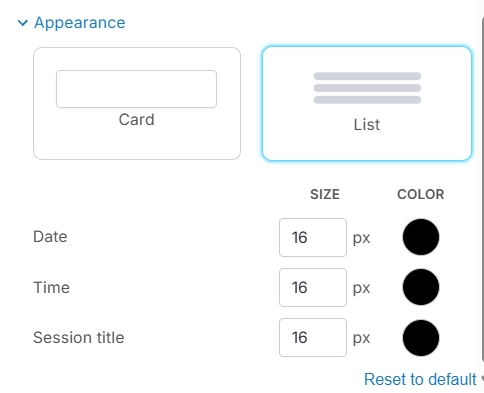
You can choose the display format and main color styling:
Hotel
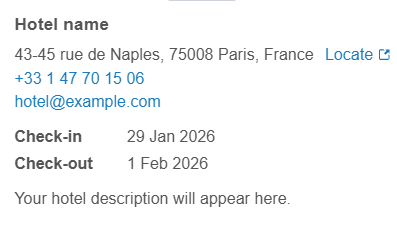
This module displays the hotel assigned to the participant from the Rooming section.
Link to full article
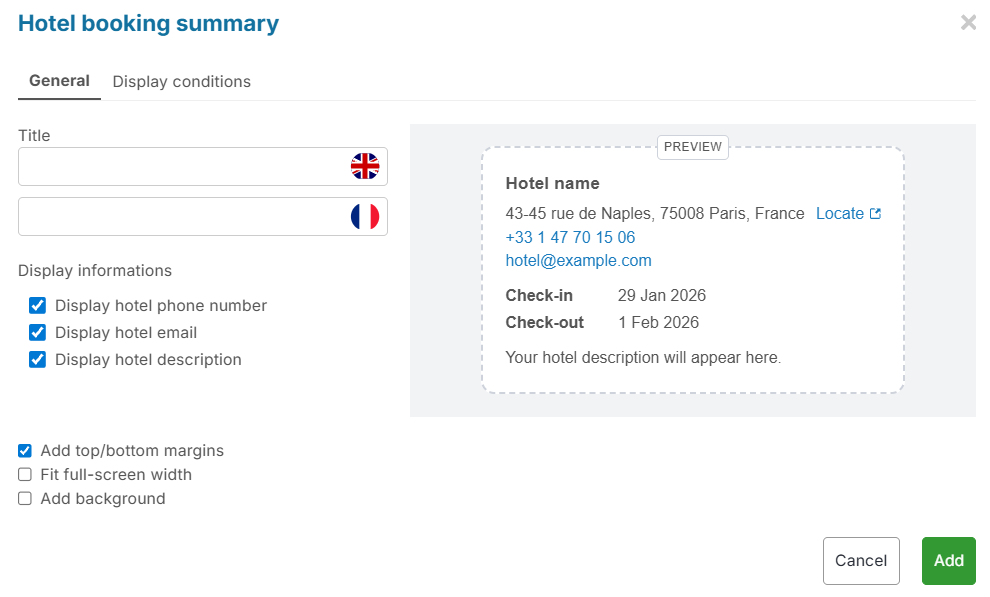
All data comes from the hotel record created beforehand.
Link to full article
You can choose which data fields are shown by checking the relevant boxes.
Example display in the my registration space:
Participant data
This component allows you to select which fields should appear in the ‘My registration’ space.
You will see an interface where you simply select the fields to display:
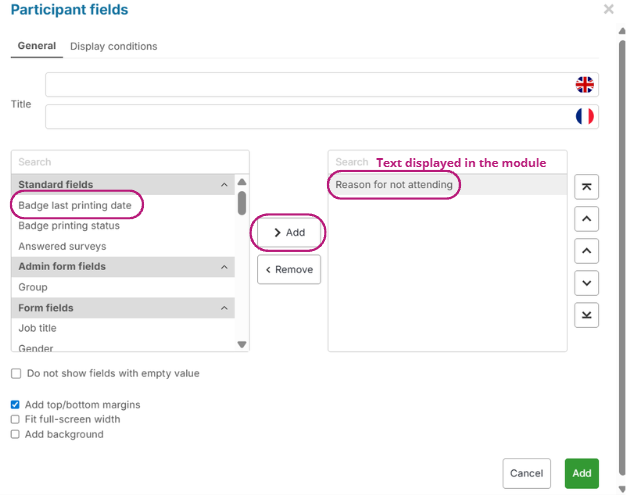
At any time, you can hide selected fields if they have not been filled in by the participant by checking:

QR Code
When using our Evenium Onsite check-in app at your event, you can add a QR code to the personal space:
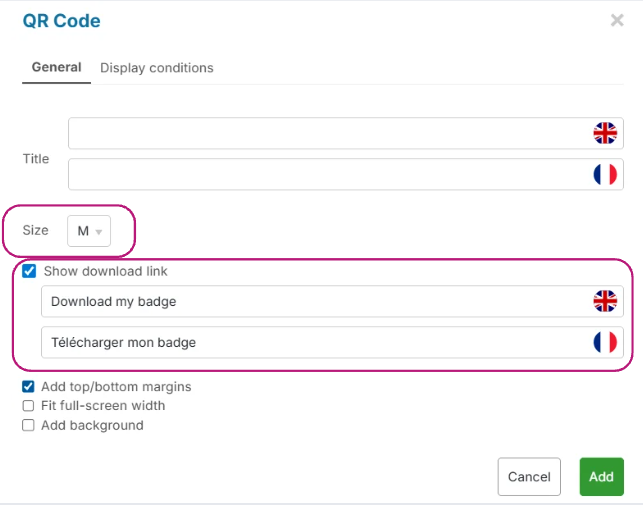
You can define the QR code size
You can link it to your event badge and customize the link
Other components
Layout customization
Each component display can be customized:
Add top and bottom margins
Make the component full width
Add a background